Arduino Code
Download the A4 Robot Code
The A4 robot arm code is available on GitHub. Clone the repository or download it as a zip file.
Open Code in Arduino IDE
If you don't have the Arduino IDE on your computer, you can download it from the Arduino website: arduino.cc/en/software
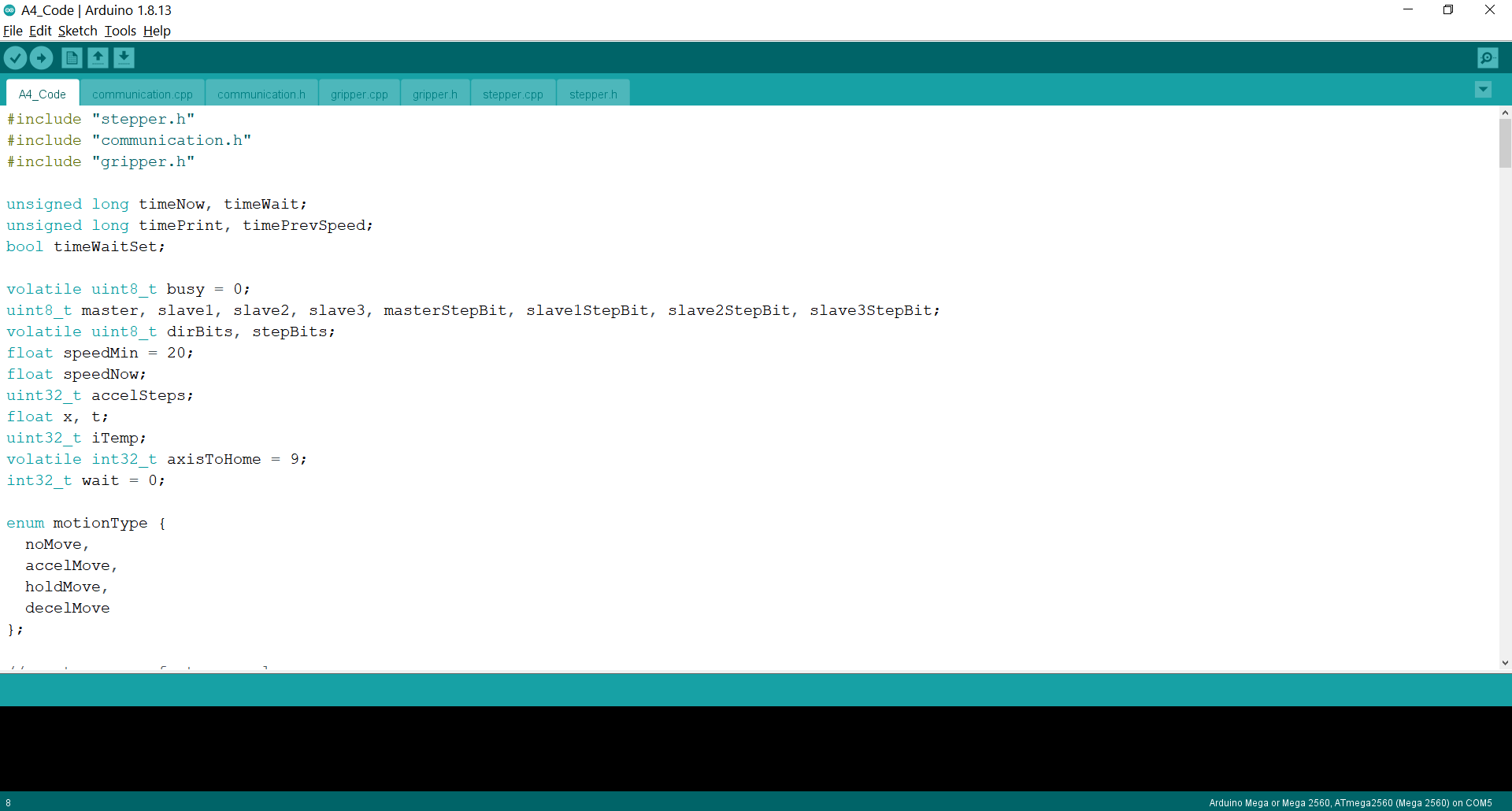
Connect Your Board
Connect to the board with a USB cable, and select the board and port in the Tools dropdown. Then upload the code to the board.
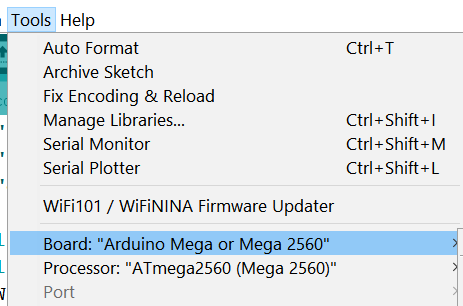
Connect Motor Power
Connect the motor power adaptor to the A4 PCBA.

Send Serial Commands
You can send serial commands at this point, or skip this part and use the GUI instead. Open the serial monitor and send a command to each motor to confirm all the joints are working. For exmaple: "M3A10" will move joint 3 to 10 degrees. The complete list of serial commands is on the next page.